Calm Connect

Prioritise your mental health as you prioritise your physical health

View Constraints
nature image

Parental Control

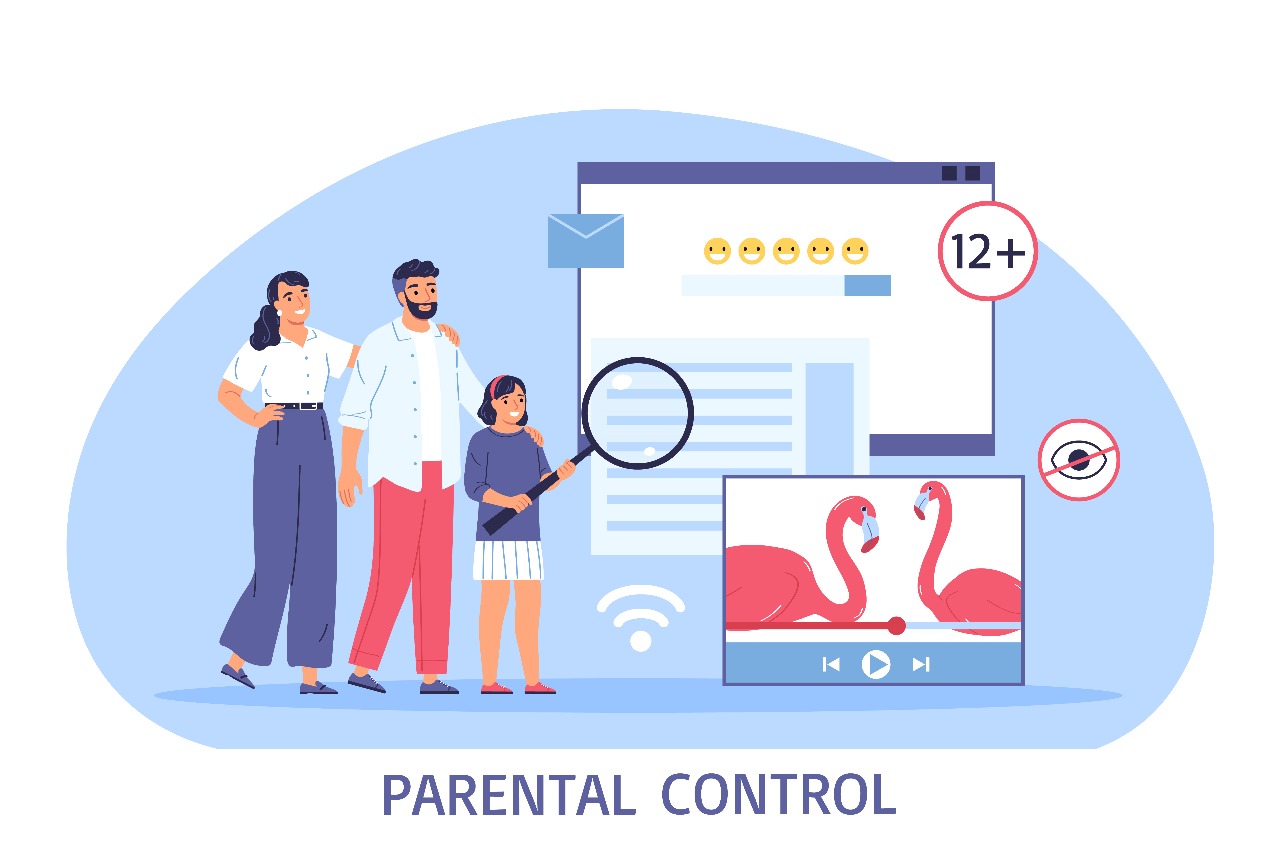
Parental control on mobile apps are features or settings that allow parents to restrict what their children can access and do on their mobile devices. This can include blocking apps, websites, and content, as well as setting screen time limits and monitoring activity. App blocking: Parents have the option to prevent a certain set of apps from being downloaded or used on a child's device. Website blocking: Parents can prevent their children from accessing particular websites on their device. Content blocking: Parents can prevent their children from accessing certain categories of content on their child's device, including pornographic, violent, and gambling content. Parents can limit how much time their children can spend using a gadget by setting screen time limits for that child's device. Monitoring of activity: Parents have the ability to keep an eye on their child's online activity, including the apps they use, the websites they visit, and the searches they conduct. On their child's device, parents can disable in-app purchases, prohibiting them from paying for apps without authorization.

Information overload

Identify your sources. Not all information is created equal. It is important to be able to identify credible sources of information. Be skeptical. Don't believe everything you read or see. Evaluate information critically and ask yourself if it makes sense. Take your time. There is no need to rush to consume information. Take your time to read, understand, and reflect on the information that you are exposed to. Don't be afraid to say no. It is okay to say no to information that you don't have time for or that you don't need. Take breaks. It is important to take breaks from information consumption. Get up and move around, or do something else that you enjoy.

nature image
nature image

Digital Literacy

Digital literacy is an essential skill in today's increasingly digital world. It encompasses the ability to use, understand, and critically evaluate digital information and technology. Whether you're looking to improve your own digital literacy or teach it to others, there are numerous resources available .Follow digital literacy and tech-related accounts on social media sites like Twitter and LinkedIn. Listen to podcasts that discuss internet and digital culture, such as "Reply All" or "Note to Self." Government and Nonprofit groups: Look for regional nonprofit groups or local government initiatives that provide resources or programs for digital literacy in your area. Numerous libraries and educational institutions provide workshops and other tools for digital literacy. Consult the library or school closest to you. Online testing resources: Websites like ProProfs and Quizlet provide exams and quizzes on a range of digital literacy subjects.

Online Harrasment and Cyber Bullying

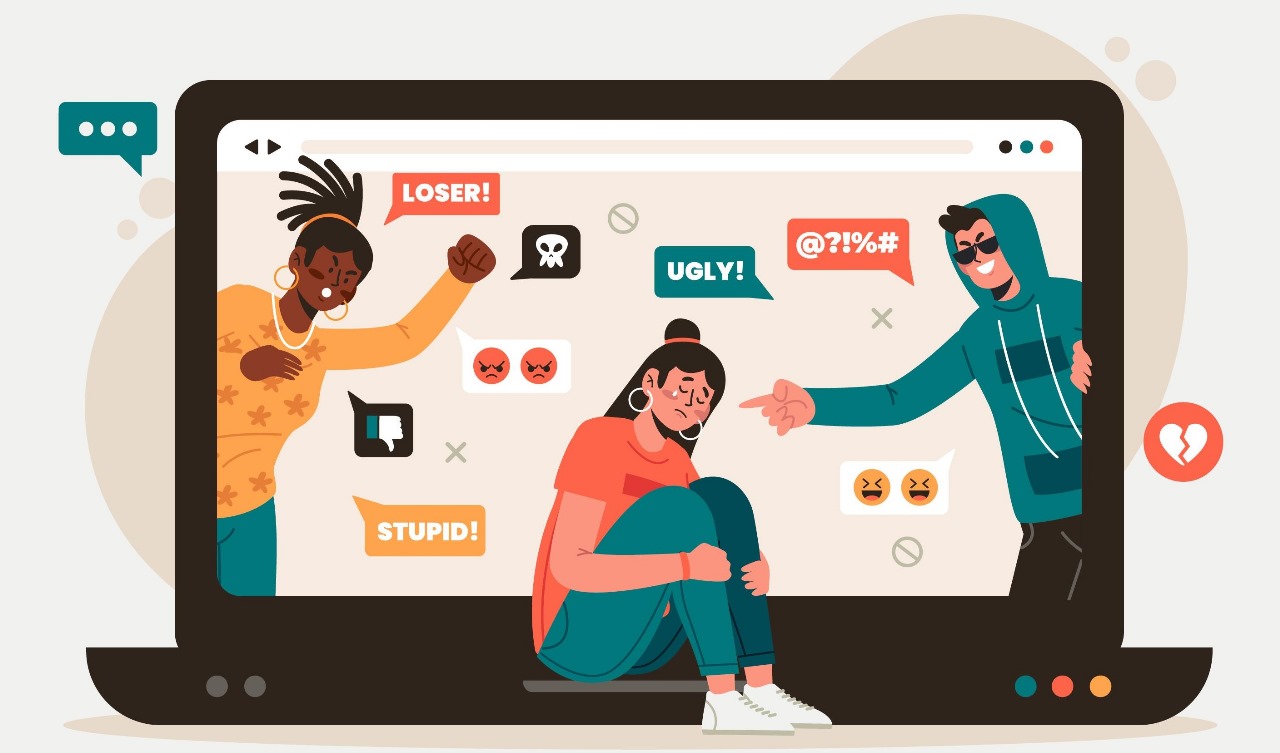
Any unwanted or abusive online behavior, including spreading rumors, sharing humiliating or compromising images or videos, or sending threatening or insulting comments, is known as online harassment. Children and young adults are the main targets of a particular kind of internet harassment called cyberbullying. It could happen in online games, text messages, or social media. There are several detrimental effects that victims of online harassment and cyberbullying may experience, including: emotional suffering, including low self-esteem, sadness, and anxiety Academic issues including poor grades and absence Physical health issues such headaches, stomachaches, and insomnia social issues like estrangement from friends and relatives In extreme situations, suicide

nature image